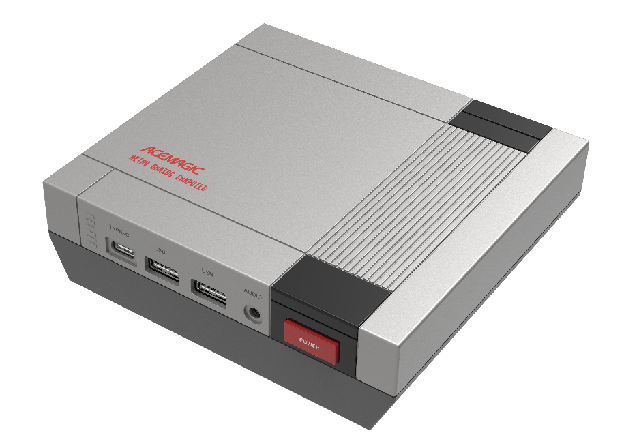
Retro Gaming Mini Consol
Product Triangle Positioning: Retro Design × Modern Performance × Emotional Legacy
Product Background
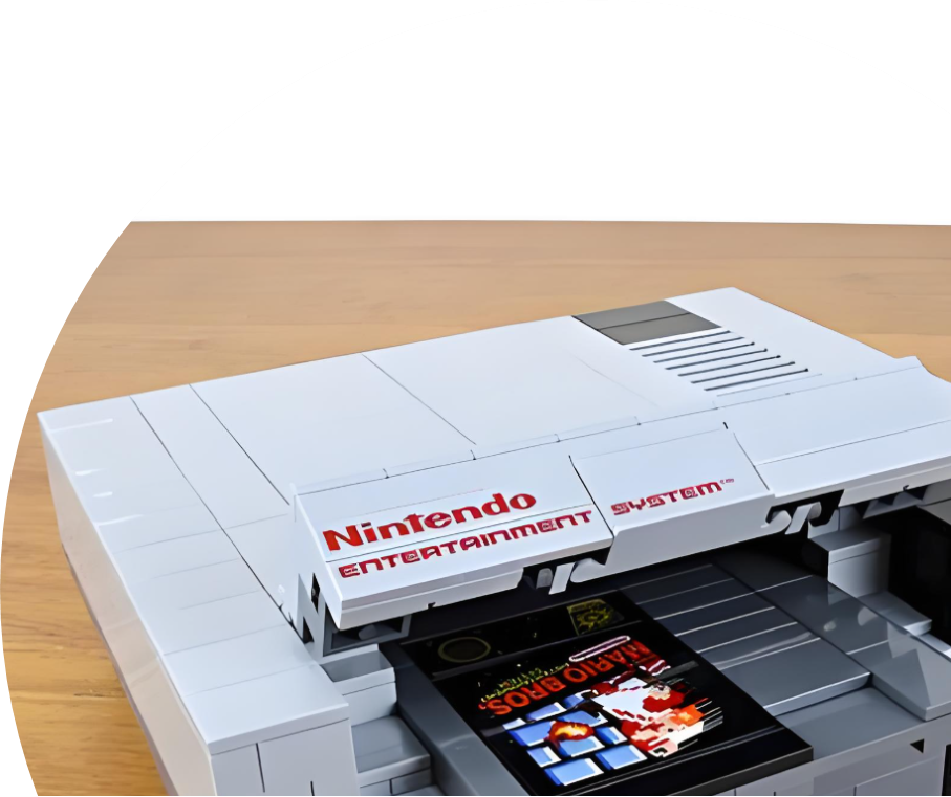
Why the Nintendo NES is Considered a Classic
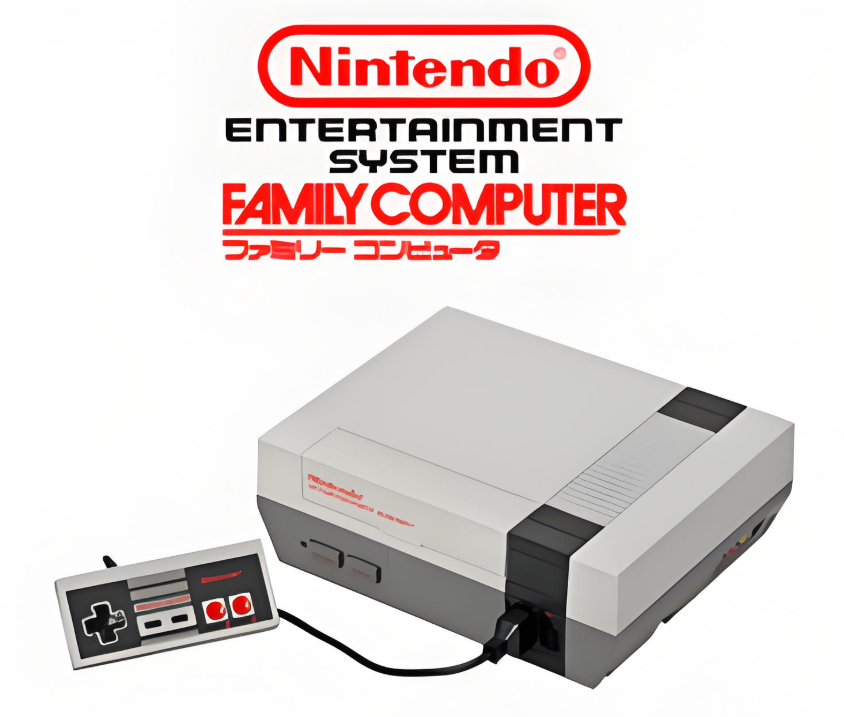
On July 15, 1983, Nintendo launched the Famicom (Family Computer), marking the beginning of a new era in the gaming industry. Within less than a year, the console sold over 3 million units, sparking an unprecedented gaming craze.
By 1985, the NES had achieved remarkable sales of 33 million units in North America alone, accounting for nearly half of its global market share. This success helped revive the American video game industry after the 1983 crash and firmly established Nintendo’s position in the gaming world.
In 1986, Nintendo’s revenue in the United States reached $310 million, while the total U.S. video game market that year was $430 million.
It is no exaggeration to say that the Nintendo NES saved the American video game market.
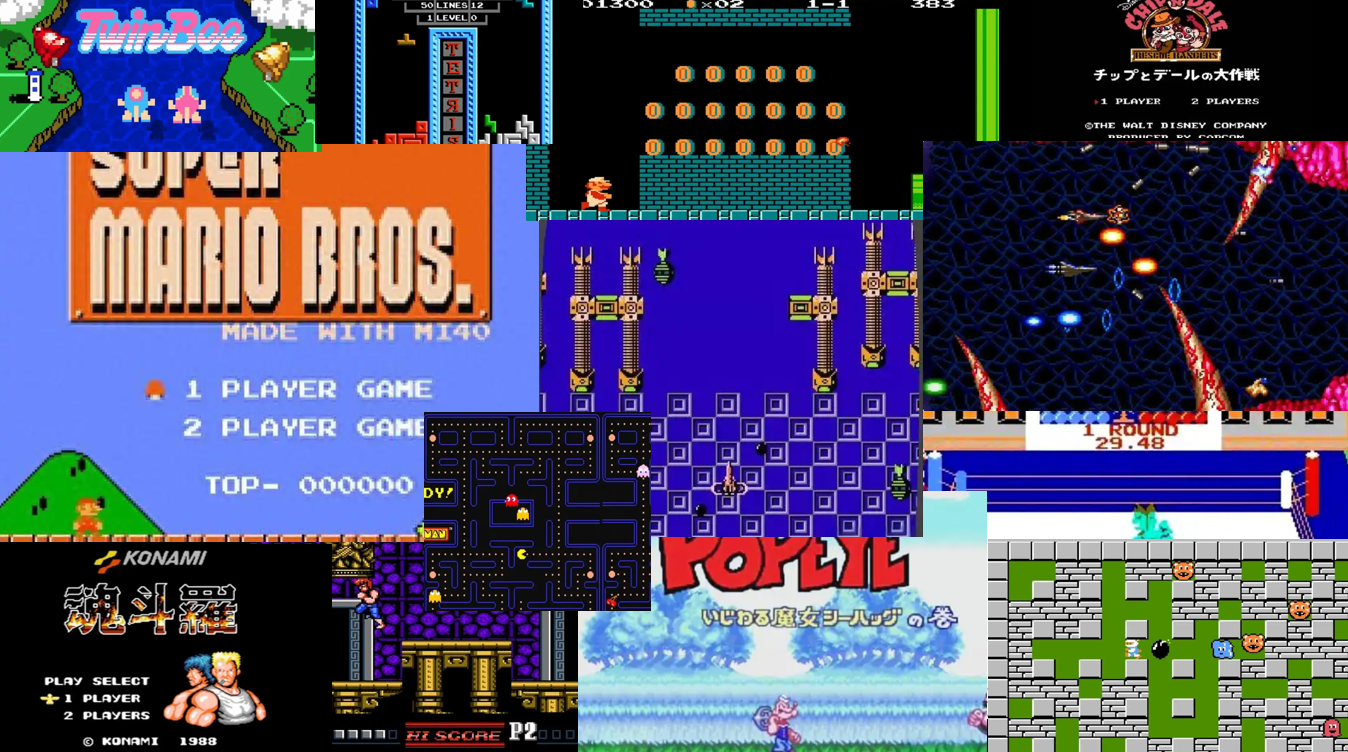
Every Generation Has Its Memories
For many, it was the first key to a world of adventure. Behind it are the nights when Dad stayed up secretly to beat high scores, the console hidden in Mom’s wardrobe, and the summers spent with siblings fighting over the controller…
Today, we’ve decided to restart that key.
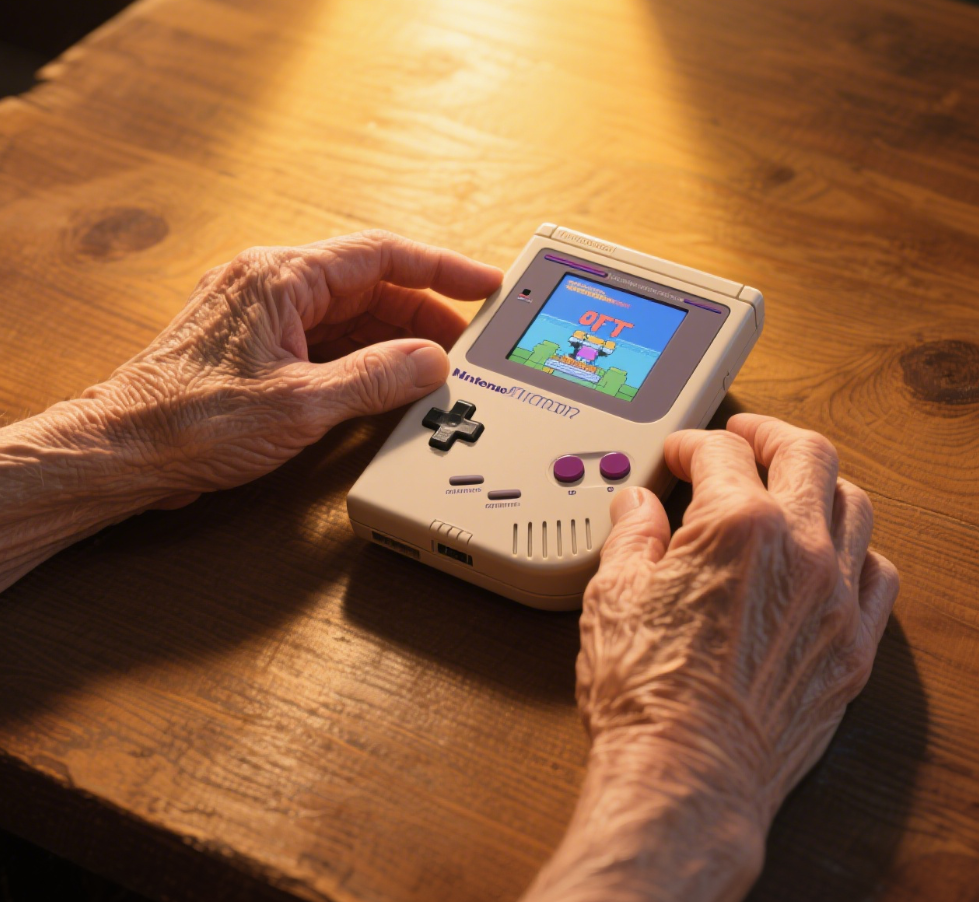
What We Preserve Is Not the Plastic Shell, but a Generation’s Heartbeat.
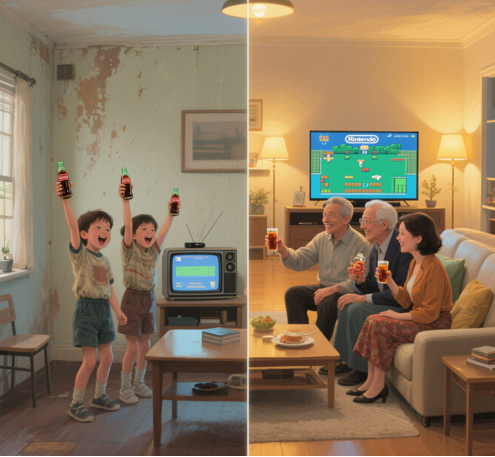
What We Upgrade Is Not the Chip, but the Power to Keep a Classic Forever Alive.
Product Introduction
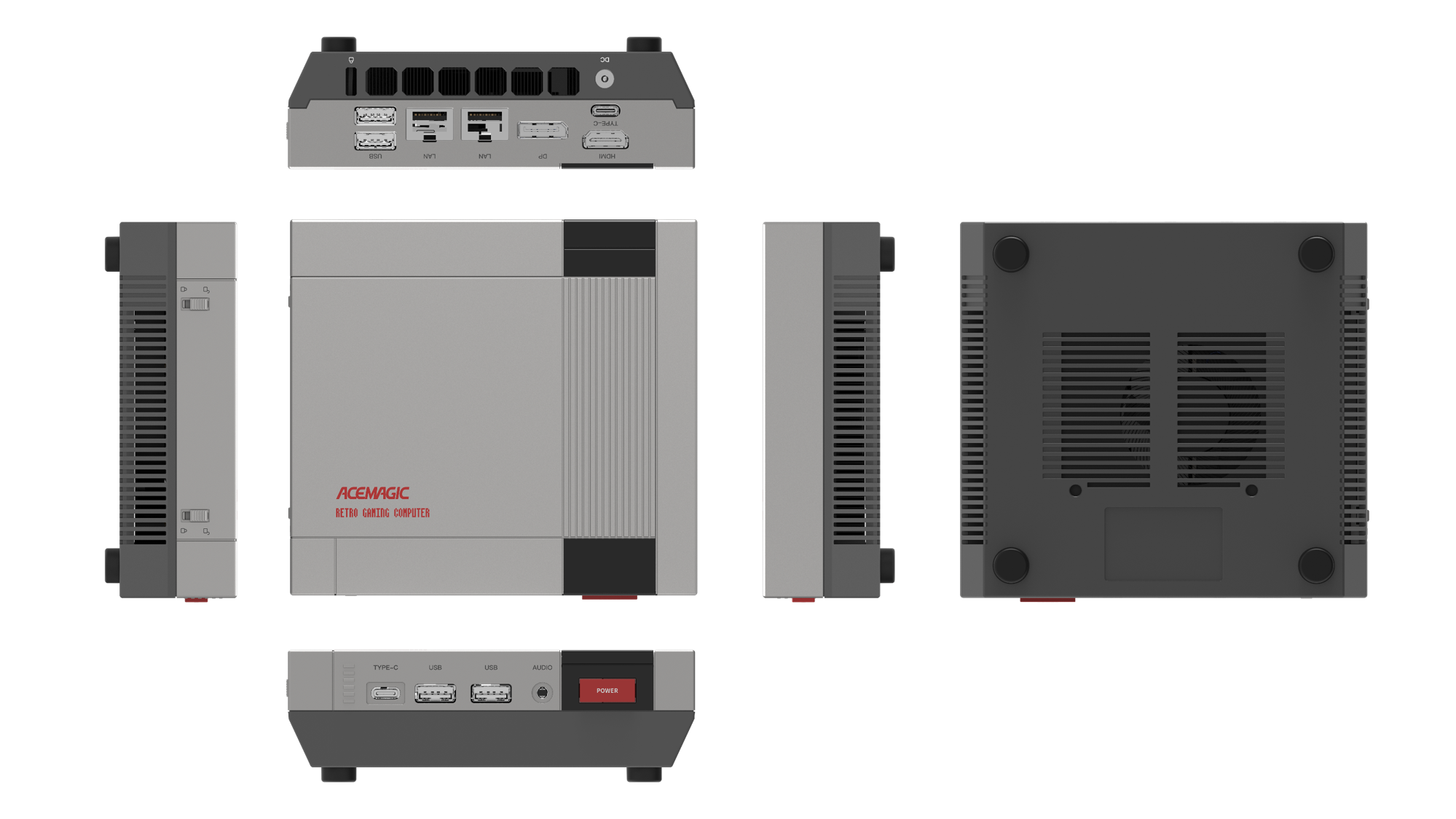
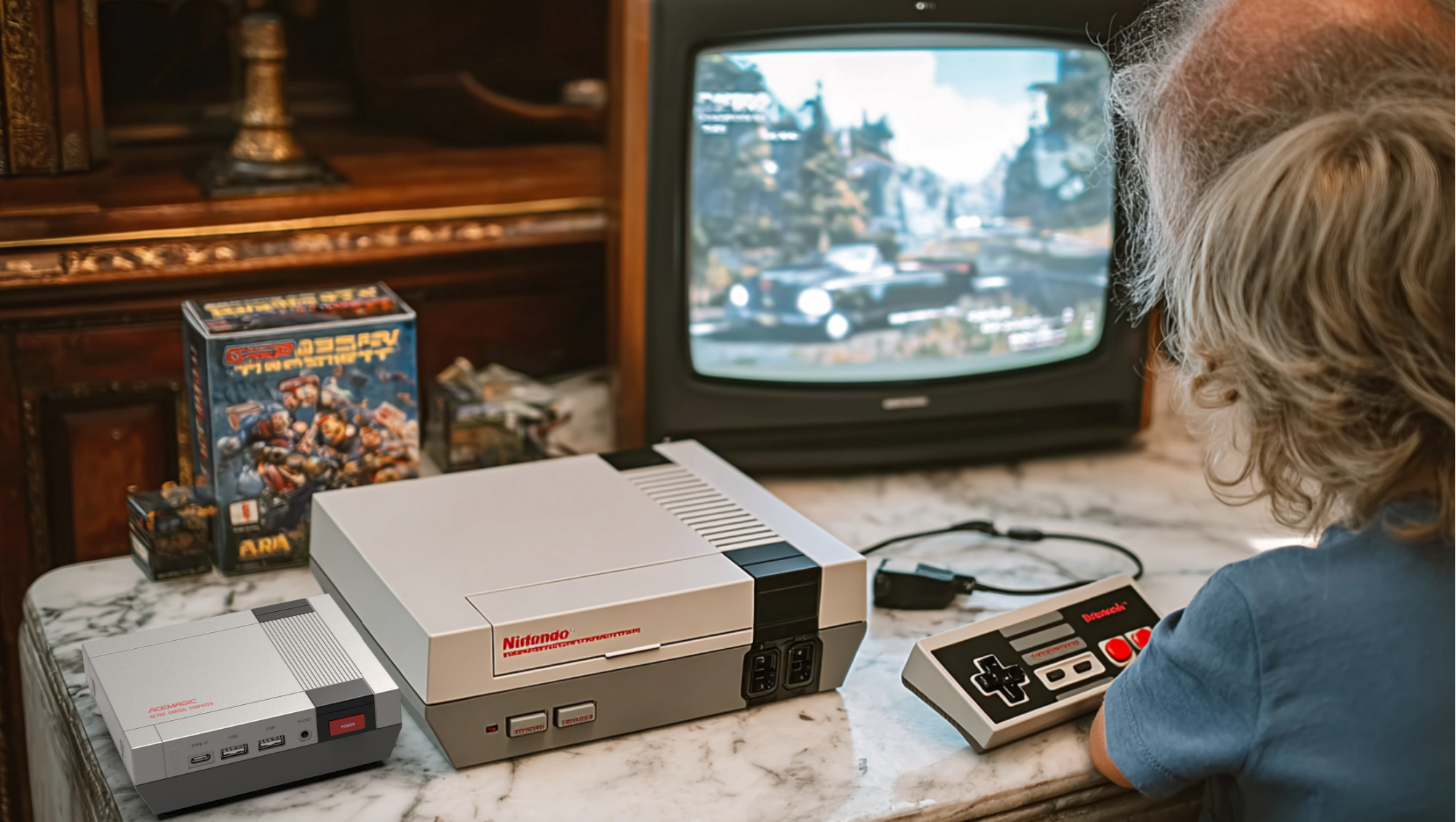
Product Triangle Positioning: Retro Design × Modern Performance × Emotional Legacy
Retro Upgraded Edition
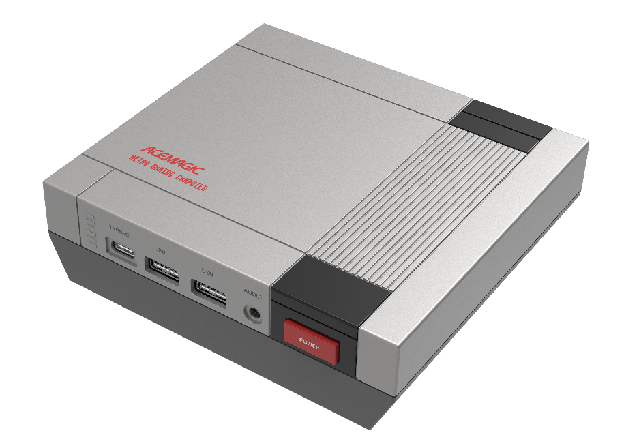
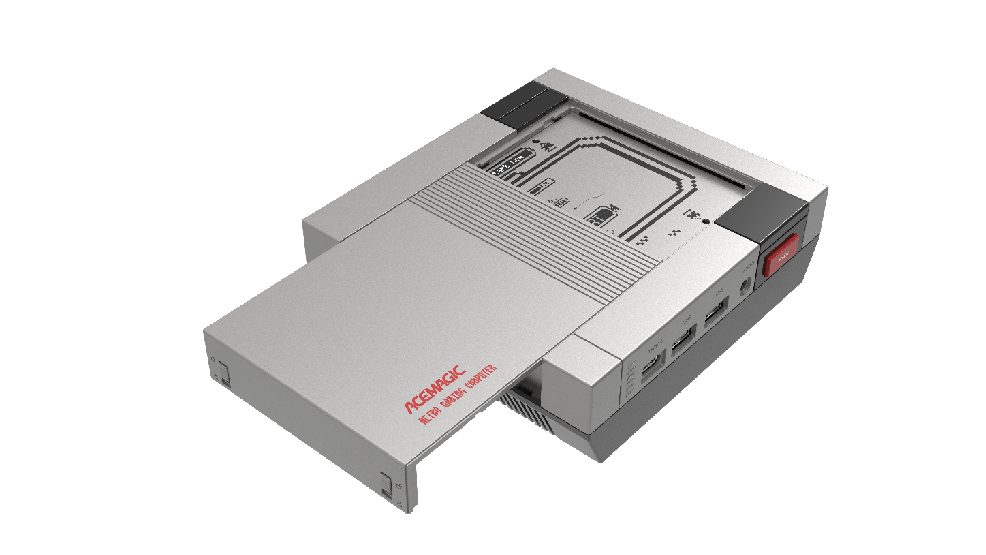
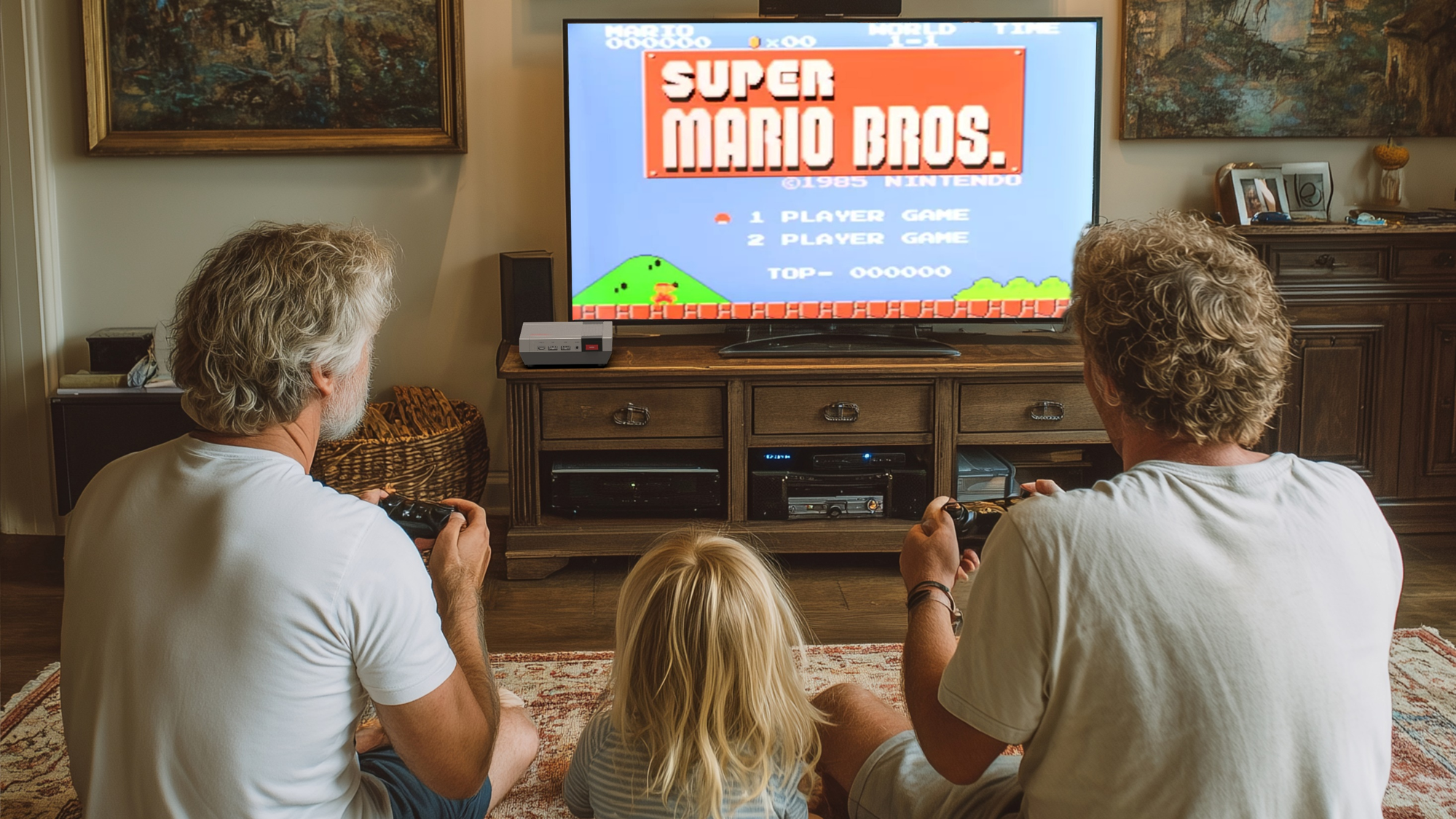
Immersive Experience
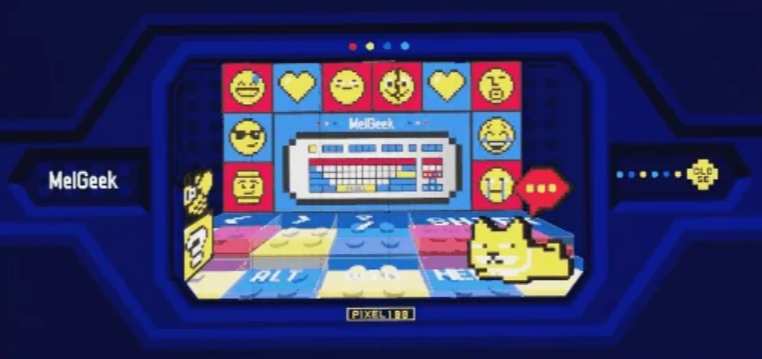
Immersive Packaging: Adds extra value to the product, highlighting fun and shareability.
Software Introduction
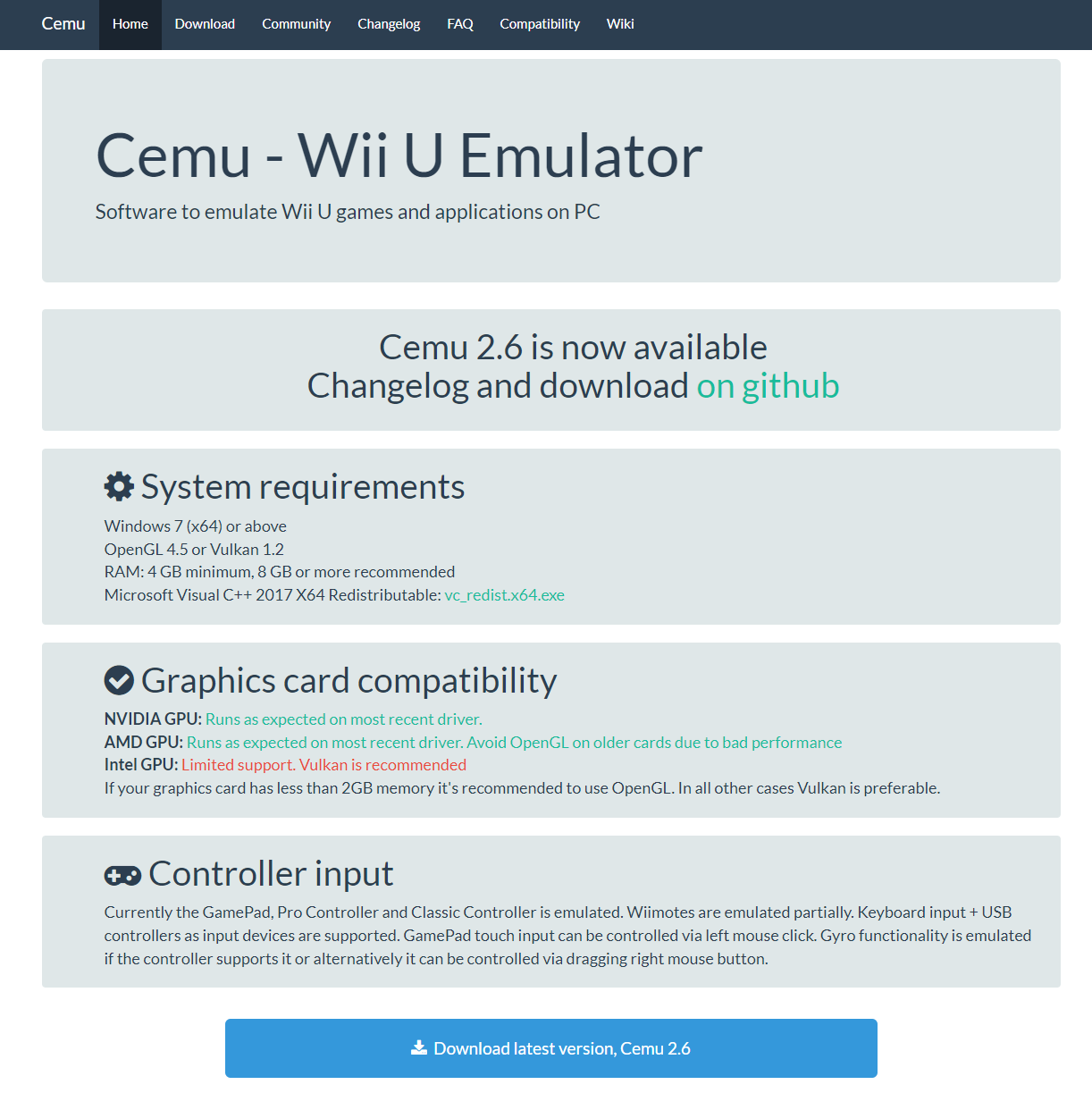
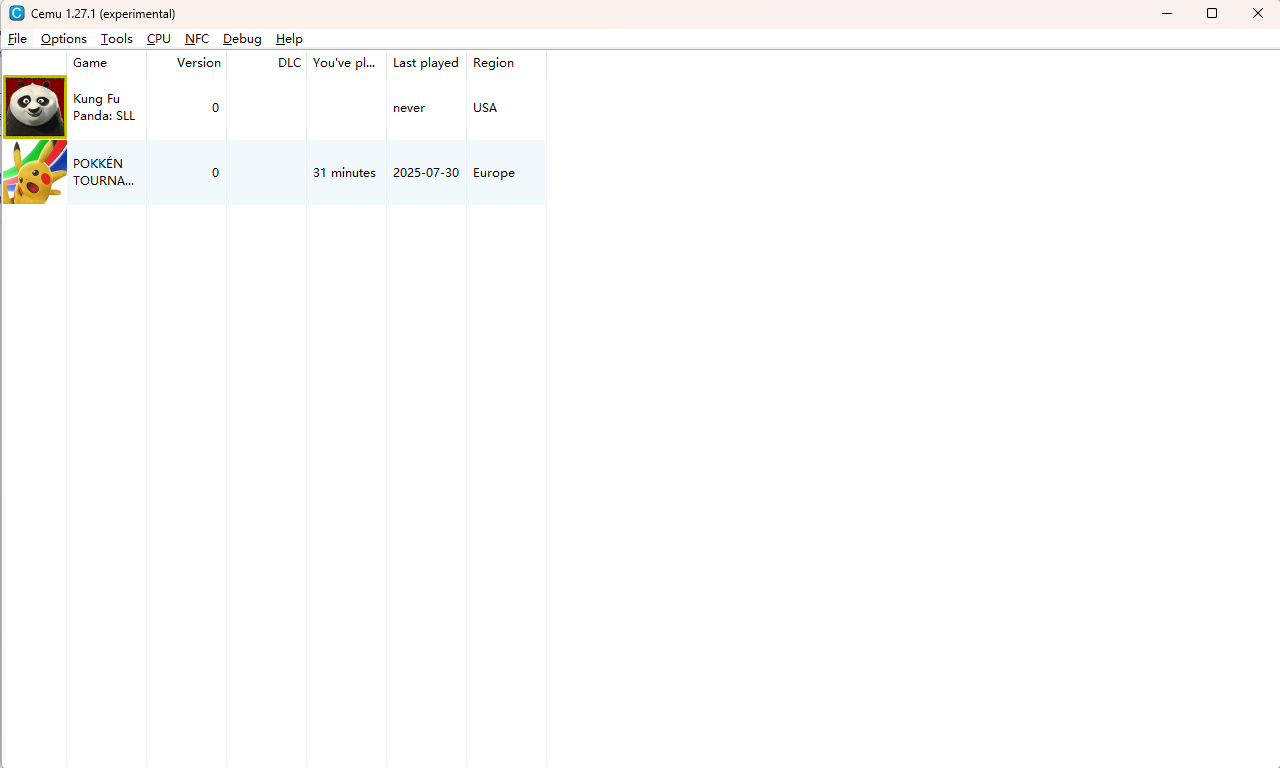
1. Players first need to find the game resources online and download them to their computer.
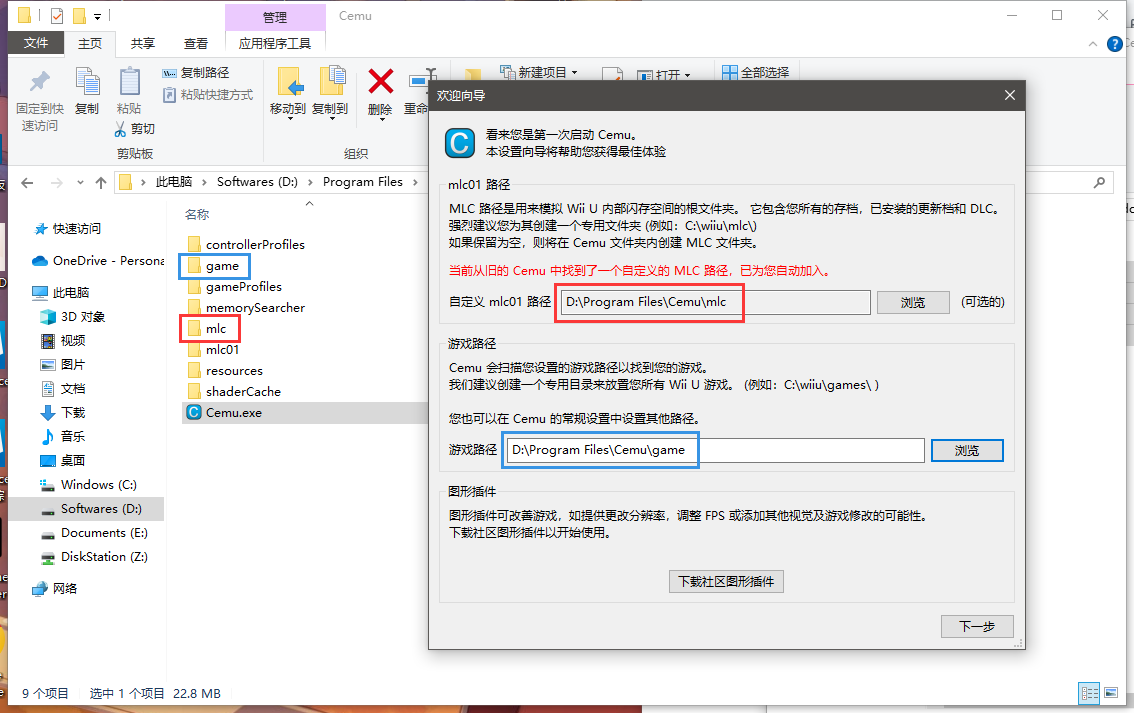
2. After downloading, unzip the files. In the Cemu folder, create new mlc and game folders, and select these two folders respectively in the Cemu program.
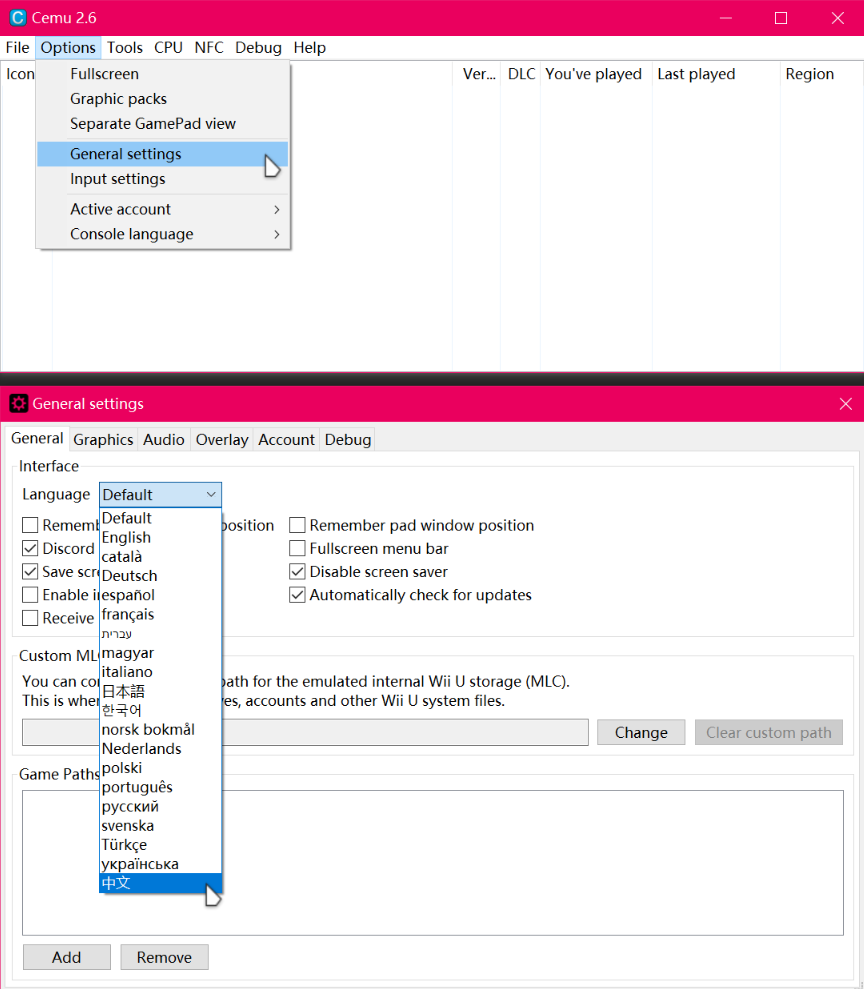
3. Enter the main interface of the Cemu emulator, set the simulator language by going to Options → General Settings, and modify the language. Restart the software for changes to take effect.
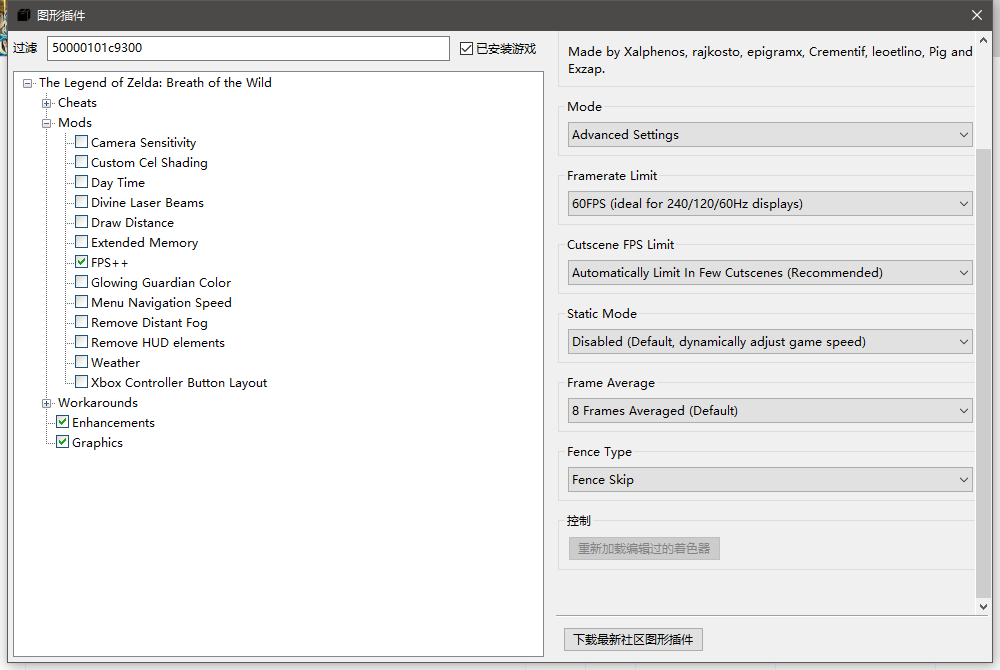
4. Players need to download the latest graphics plugins from the community. Open Emulator Plugins at the top of the emulator to configure and download the plugins.
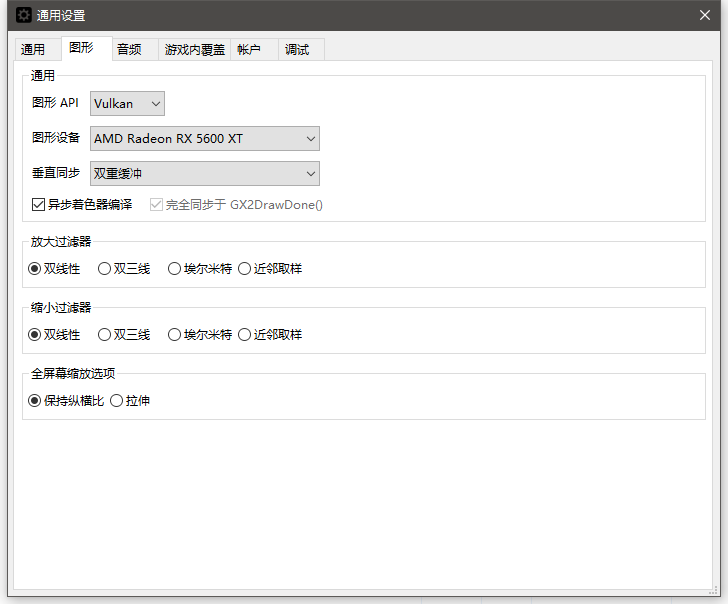
5. In General Settings, players need to configure the graphics settings according to their own GPU type.
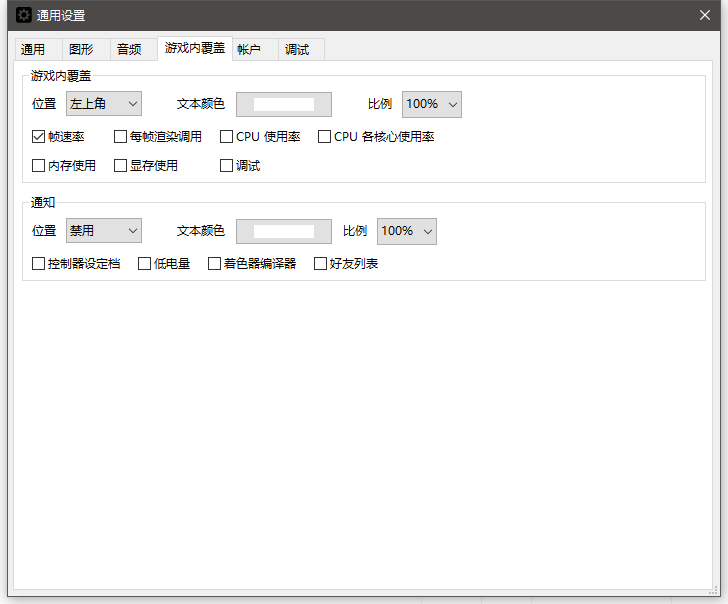
6. In General Settings, players also need to perform other necessary configurations.
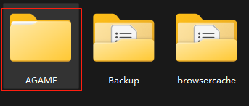
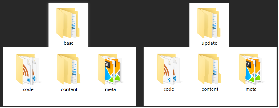
7. After downloading the game resources, players need to place the .wua game files into the newly created game folder, and create corresponding folders for each game type to put the files in.
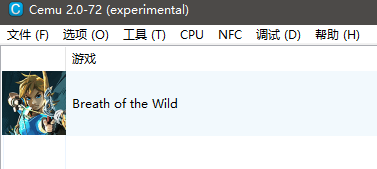
8. Open the emulator, right-click to refresh the game list, and the newly added games will appear.
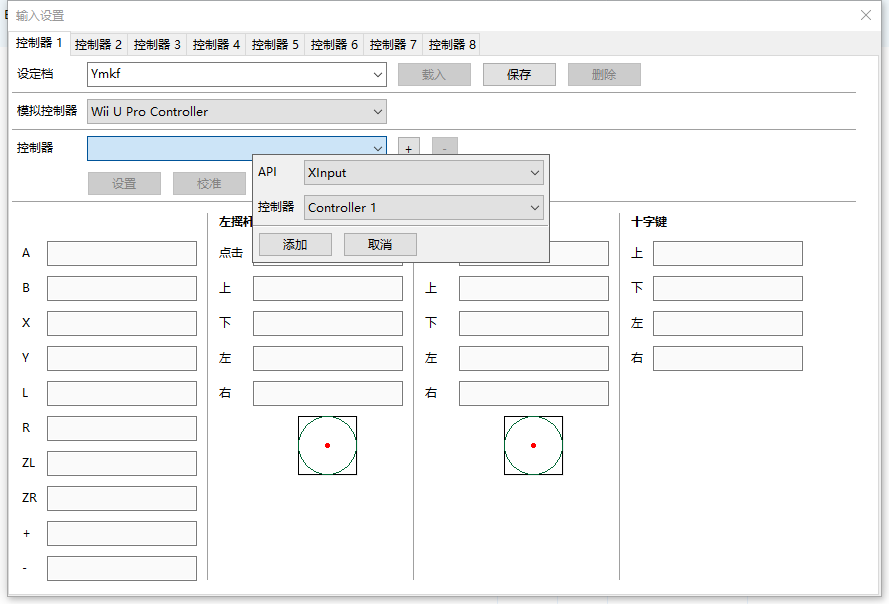
9. Players need to configure input devices such as keyboard, mouse, or controller before launching the game.
VS
G3A Emulator Game Box – Easy Operation
1. Complete the tutorial.
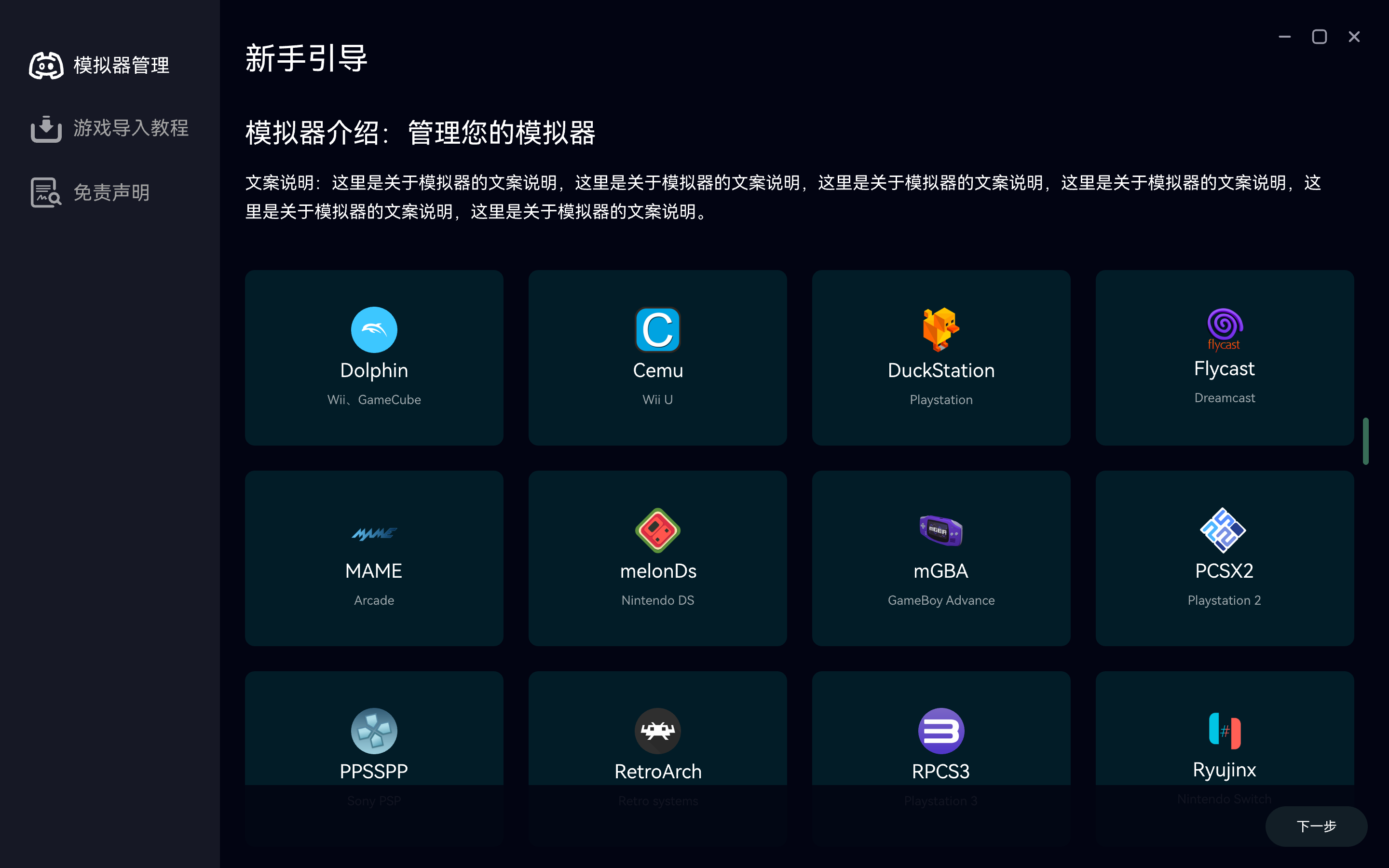
2. Import games and update with one click.
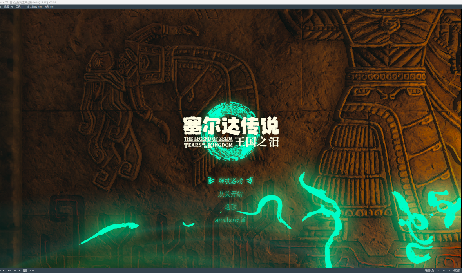
3. Select and start playing.
DIY Players vs. G3A Emulator Game Box — Aesthetic Appeal
 VS
VS
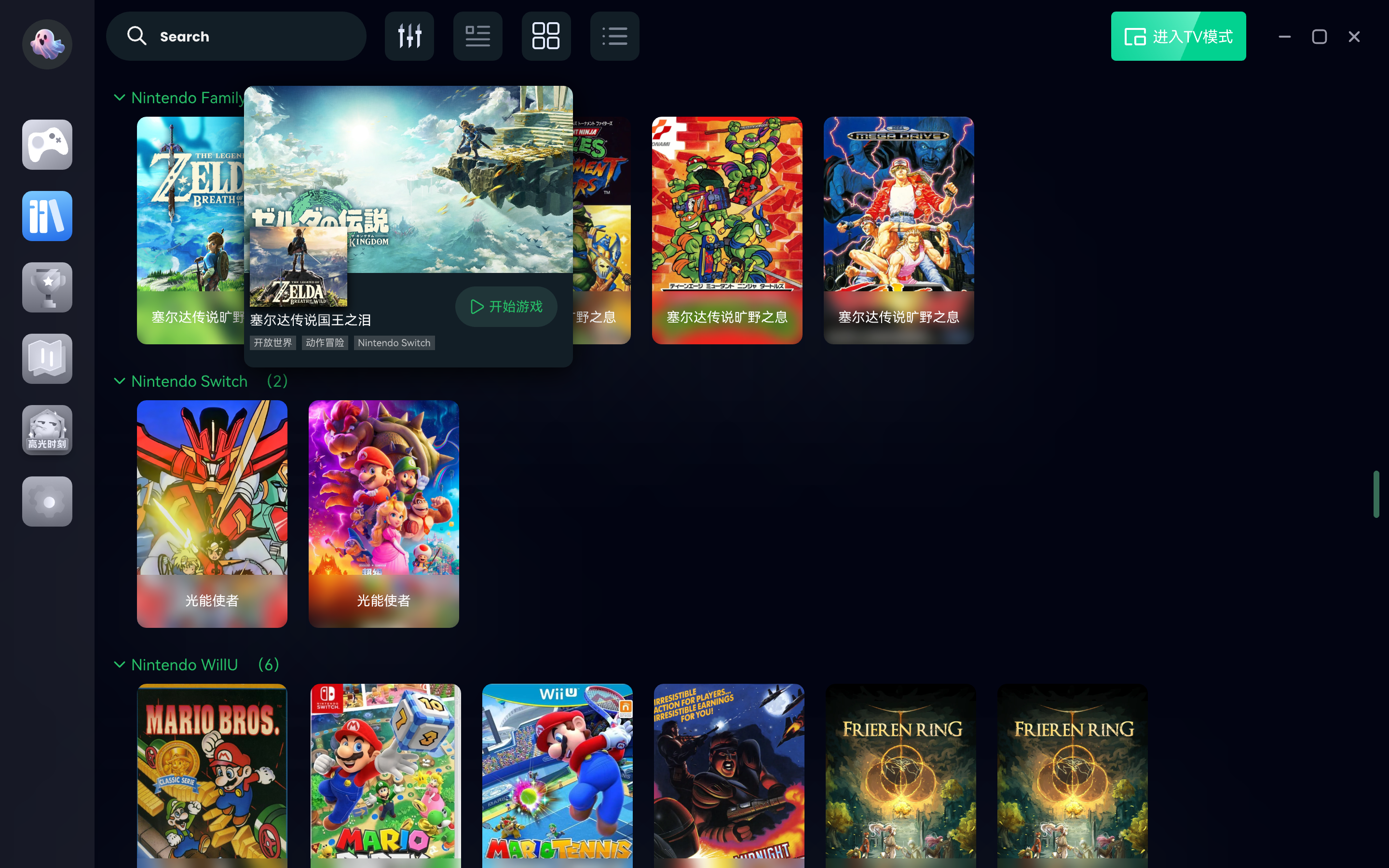
Feature Highlight 1: One Game, Two Play Modes — PC & TV
1. PC Mode: Players use keyboard and mouse for setup and gameplay, perfect for an immersive solo experience.
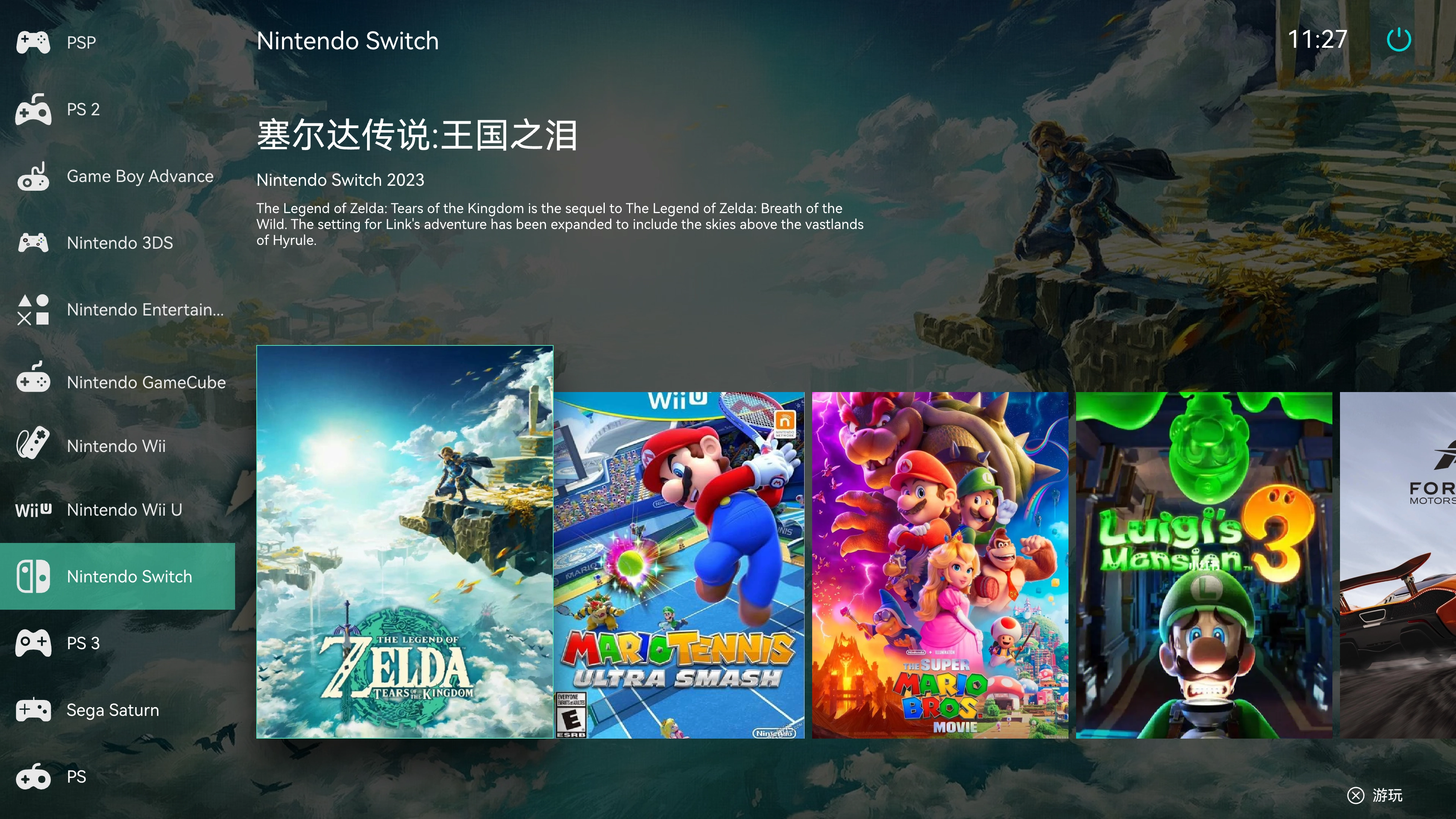
2. TV Mode: Players can operate the interface remotely with a game controller, ideal for playing with family and friends on the TV, enjoying a multiplayer atmosphere.
Feature Highlight 2: Screenshot Organization
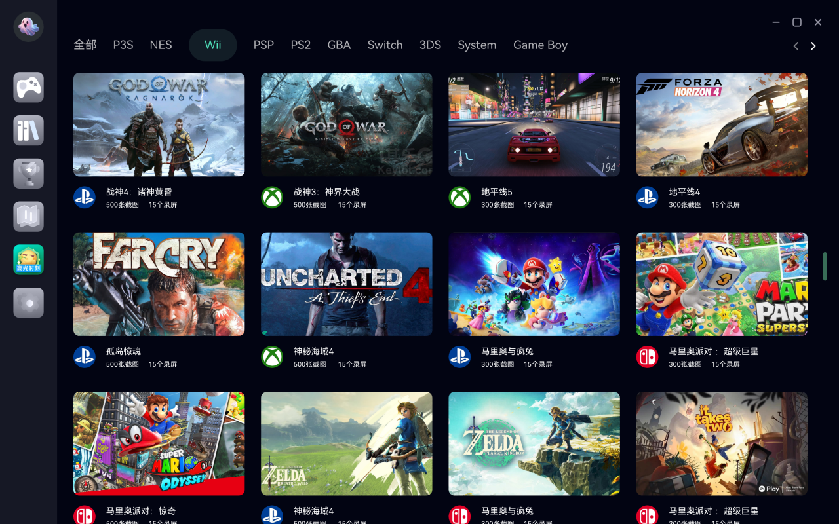
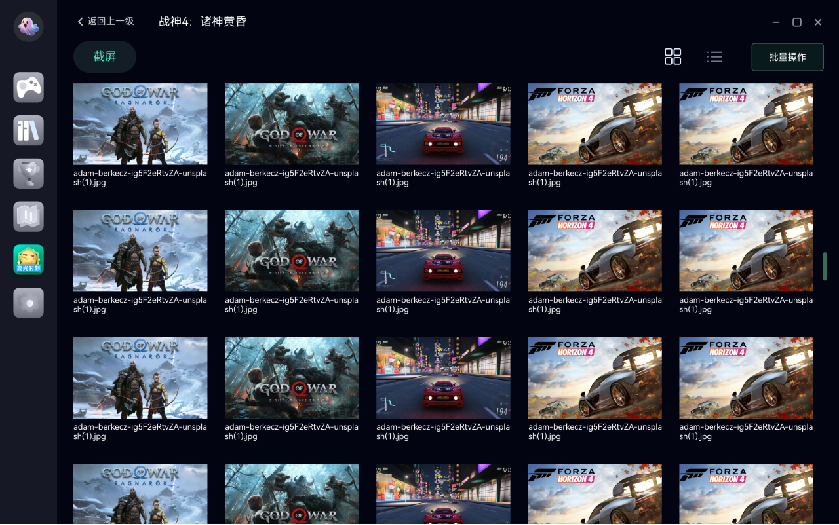
The software includes a screenshot management system, allowing users to record their best moments. Each game has a dedicated folder for highlights, making it easy to view and share. Batch deletion is also supported to help clear game memory efficiently.
Feature Highlight 3: Game Achievements Module
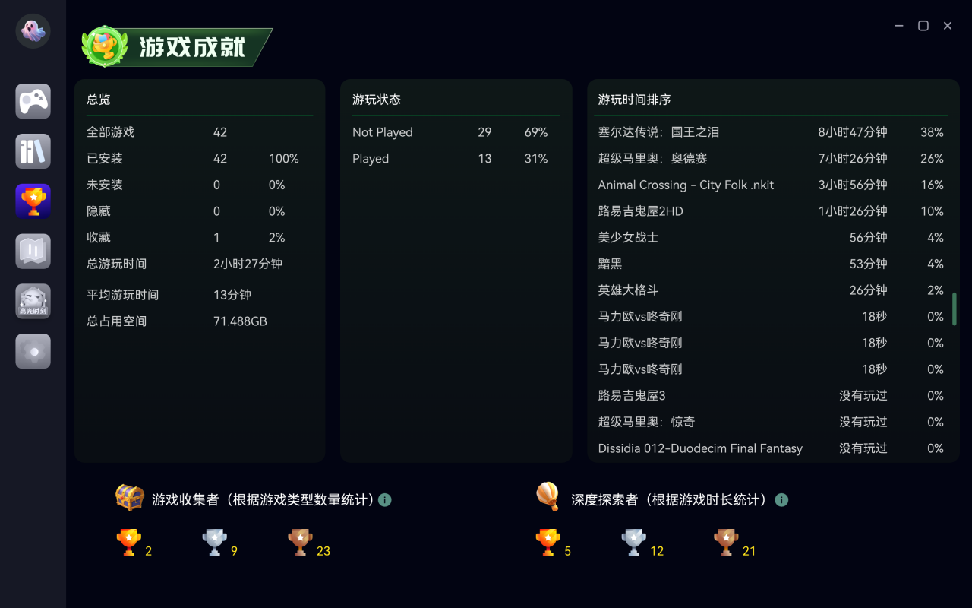
Provides an overview of installed games, total playtime, and game status. This module makes it easy to showcase player preferences and track gaming achievements.
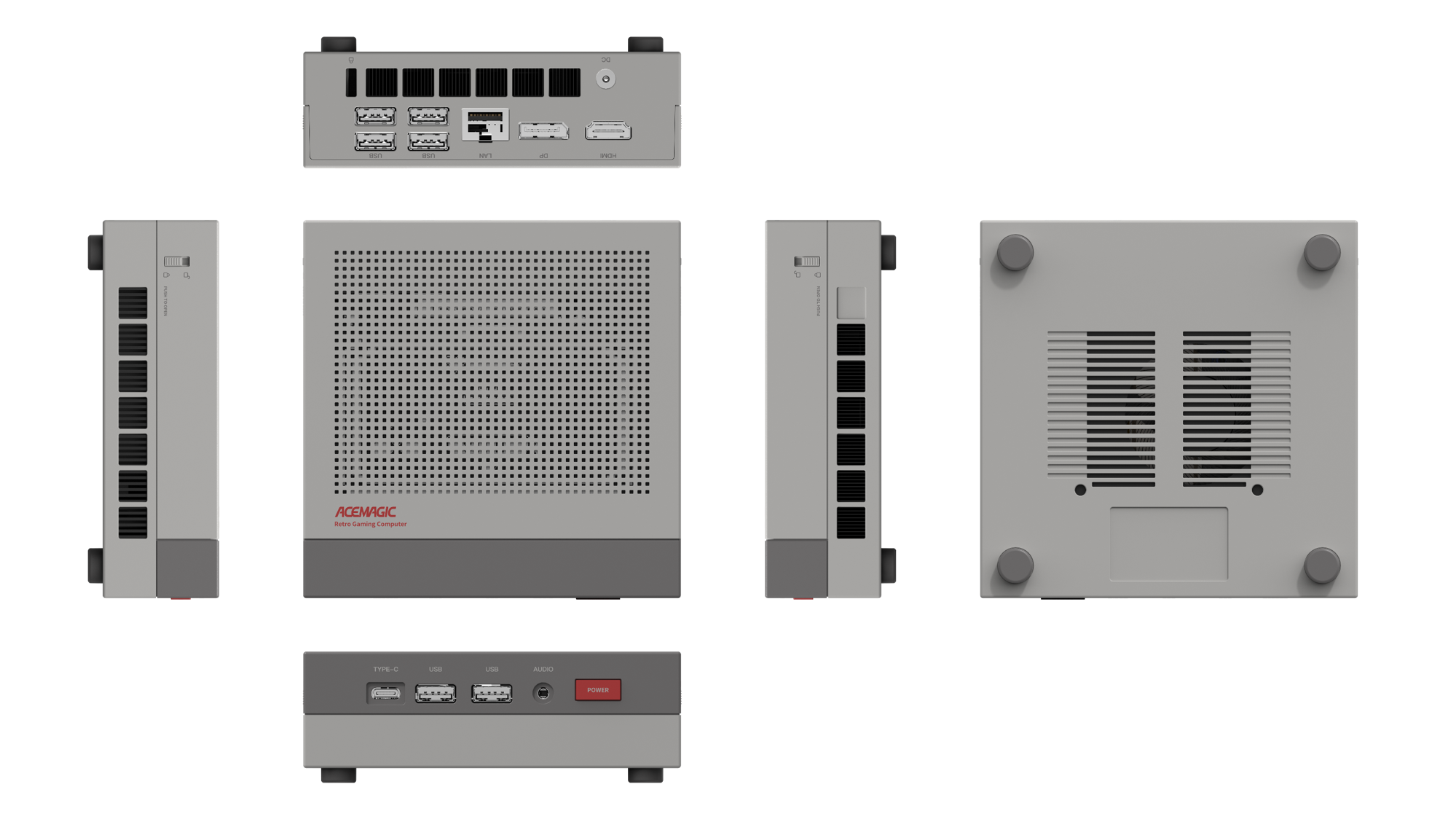
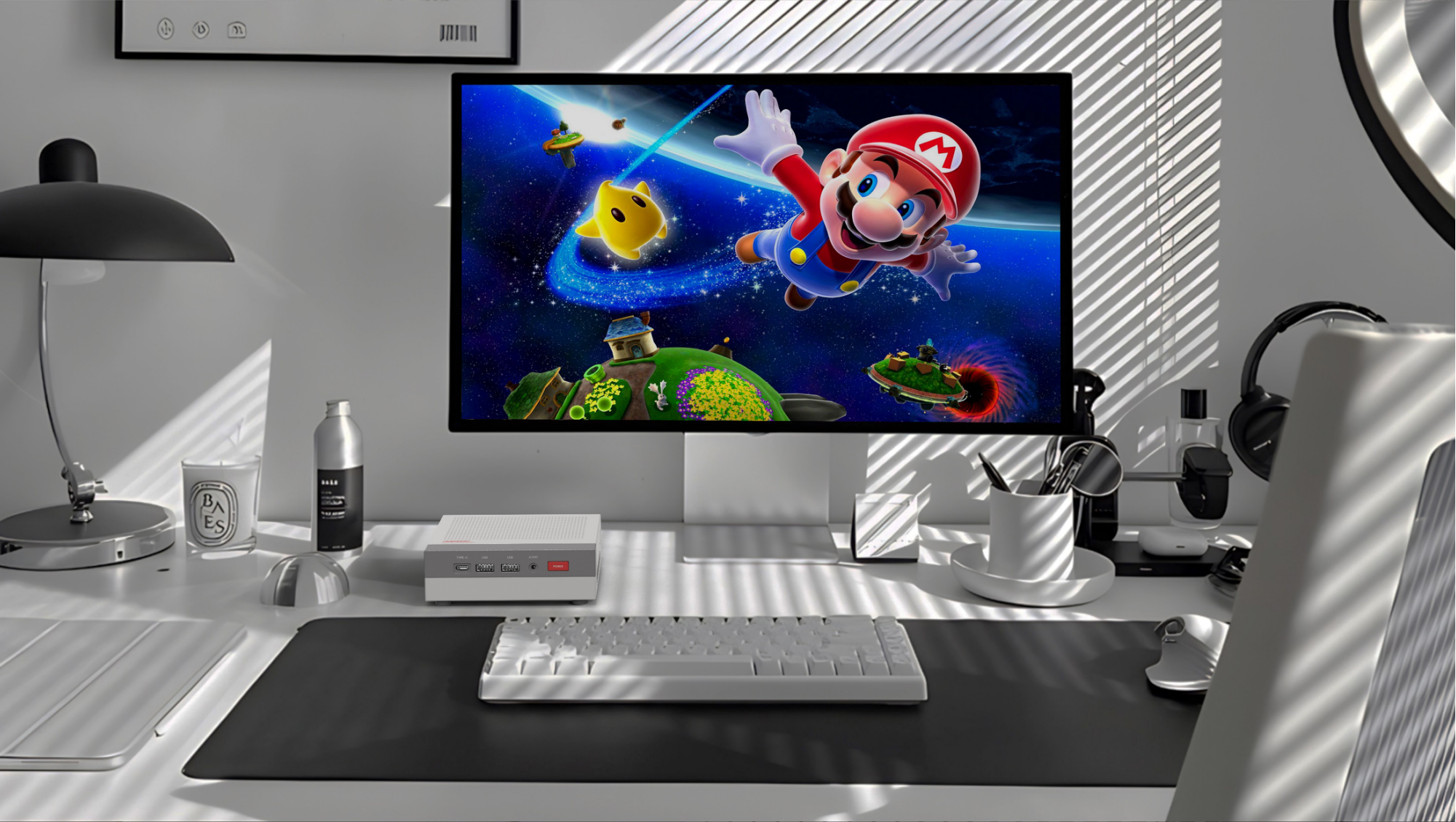
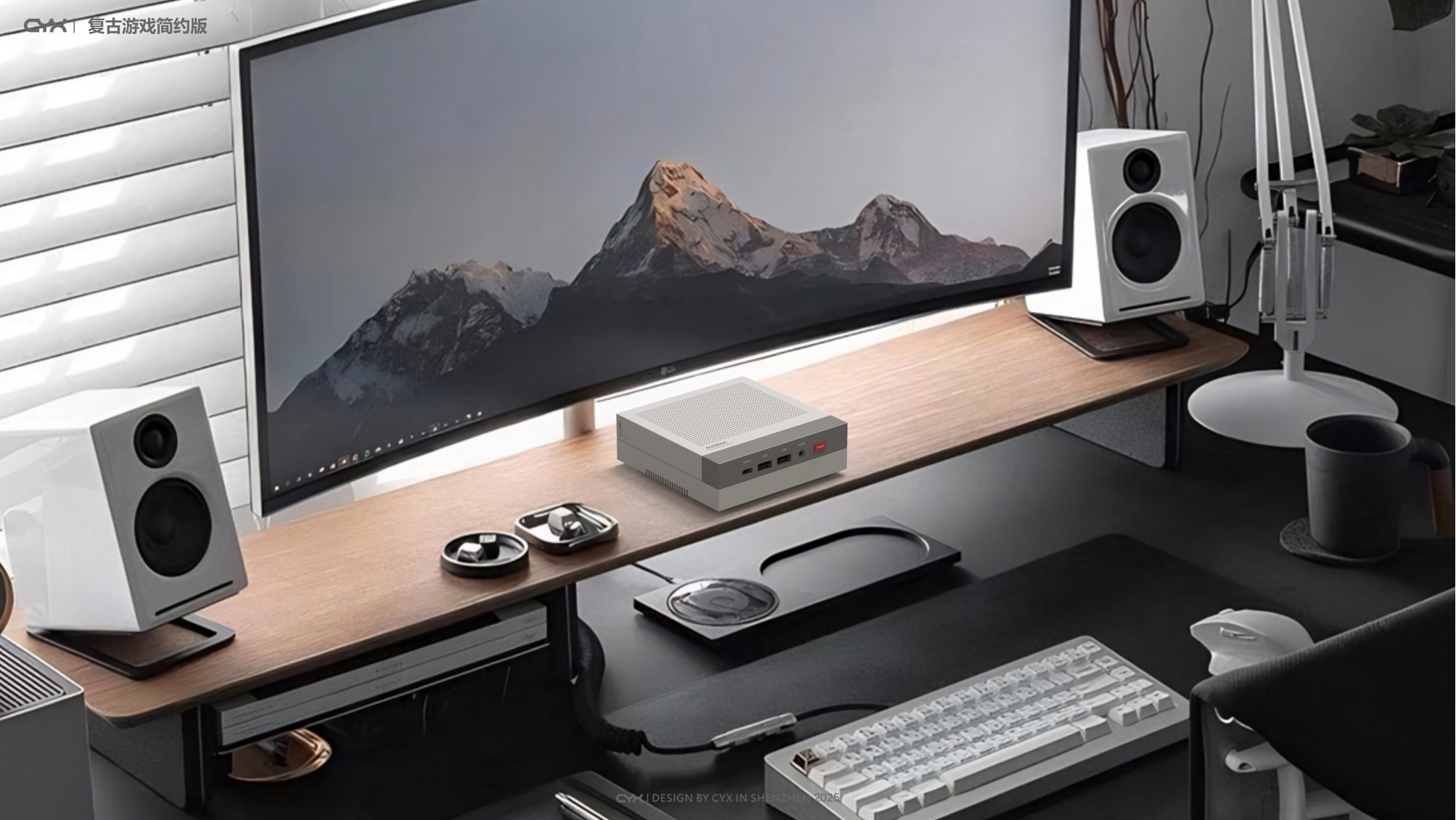
Simplified Version
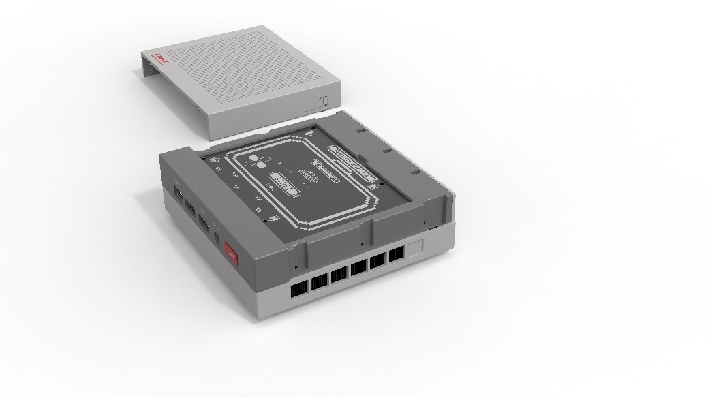
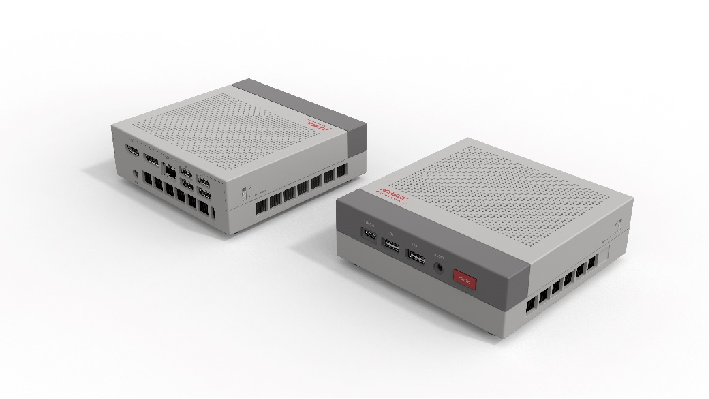
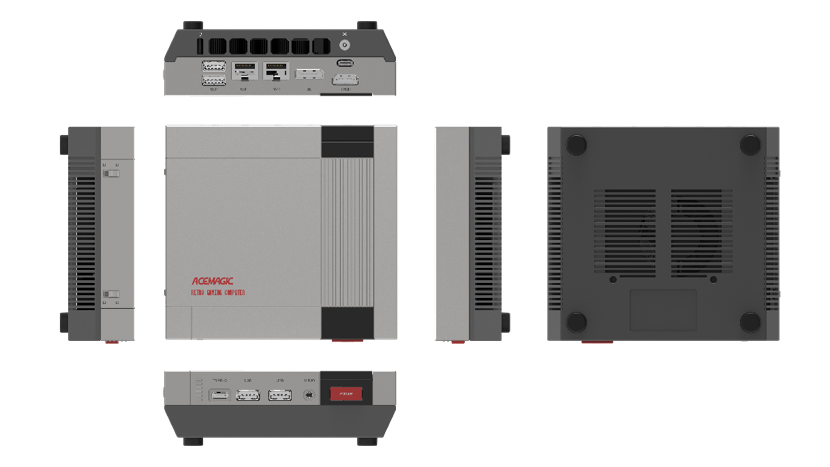
High-End Version
Simplified Version
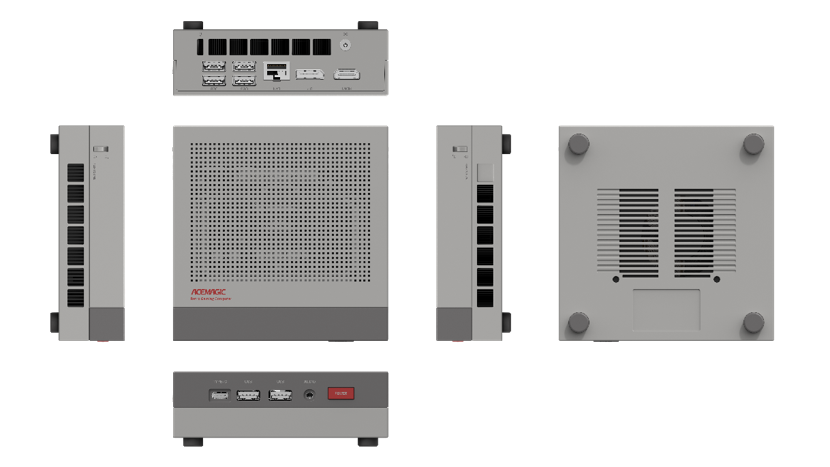
Related products
-
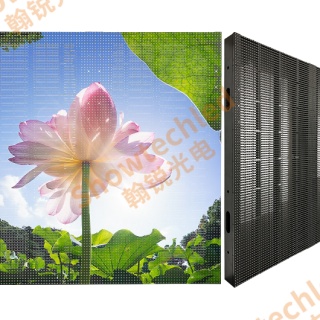
Showtechled Outdoor Media Facade: In-Depth Review of Energy-Saving Display Solutions
Contact UsShowtechled Outdoor Media Facade: In-Depth Review of Energy-Saving Display Solutions
-
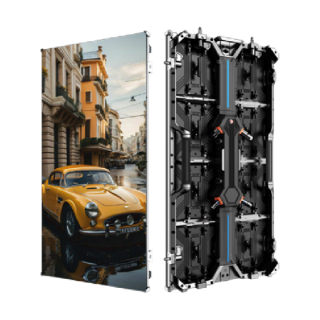
Stage rental LED screen 500*1000C model straight edge hard link cabinet
Contact UsIt can be used in indoor commercial displays, exhibition halls, conference rooms, corner pillars and other corner locations.
-
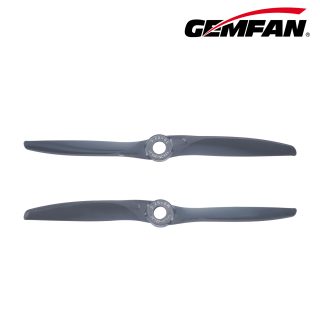
High-RPM Propellers for Pursuit Drones: Gemfan’s Engineering Edge
Contact UsGemfan Vortex series electric dark grey propellers, suitable for multi-rotor drones/fixed-wing drones, supporting ODM/OEM
-
Batteries suitable for mainstream drones on the market
Contact UsFull range drone BMS solution provider – intelligent battery management, empowering unlimited flight possibilities
Reviews
There are no reviews yet.